← all projects
archived project
RetroPie
A ready-to-go Raspberry Pi retro gaming console with a preconfigured image, Xbox 360 wireless controller support, and a step-by-step setup guide.
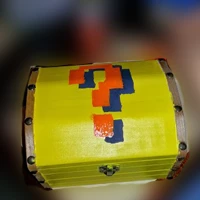
Overview
I put together a RetroPie image already configured for an Xbox 360 controller, so a Raspberry Pi could become a retro console in just a few steps. The image did not include any ROMs.
Hardware
The parts came to less than $150.
- Raspberry Pi
- Xbox 360 controller and wireless adapter
- HDMI cable and right-angle adapter
- Micro USB cable and power supply
- SD card: 4 GB minimum, I used 8 GB to leave room for games
- Optional: a Pi case and a nice box from Hobby Lobby to house it
Setup
- Write the image to the SD card with Win32 Disk Imager.
- Pair the controller and wireless adapter on a Windows PC, then move the adapter to the Pi.
- Insert the SD card, connect network and video, and power on.
- If an input config screen appears, leave it alone. The controls are already set up, and pressing start there caused me trouble.